How to Make a Good Discord Server Members Stay In

Published · Updated · 4 min read
Short answer
A good Discord server has one clear purpose, a short list of well-named channels, a welcome that tells newcomers what to do first, short rules enforced by visible moderators, and a weekly rhythm of events. Members stay when they get answers, meet people and see something new every week, so plan for those three things before adding features.
| Cost to create a server | Free |
|---|---|
| Welcome tools | Community Onboarding: default channels plus questions that assign roles and channels |
| Automatic filtering | AutoMod keyword and spam filters |
| Who sees a channel | Controlled by role and channel permissions |
Checked against the sources at the end of this article.
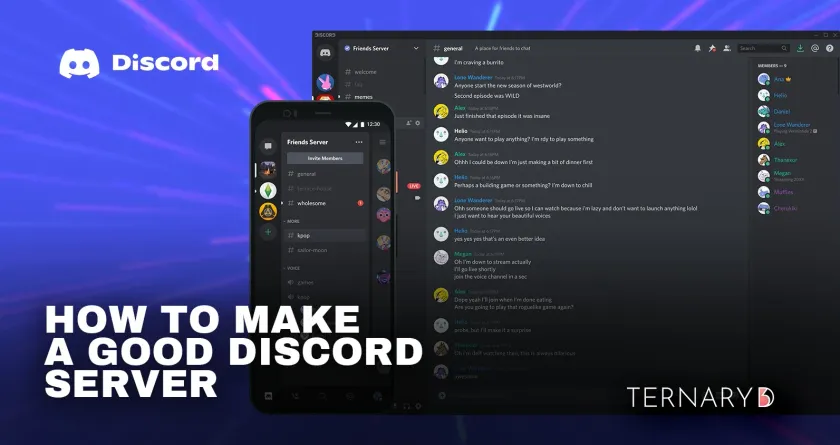
Anyone can create a Discord server in a minute. Making one people return to every week is the hard part. Whether you are a gamer, an artist, a musician, a trader or a hobbyist, the same few things decide whether a server thrives or goes quiet. This guide walks through them in order. It belongs to our running a Discord server topic.
1. Define the purpose
Write one sentence: who the server is for and what they get there. “A place for beginner woodworkers to share projects and get feedback” is a purpose. “A cool community” is not. Use the sentence in your server description, your welcome message and every invite you share. Members who know why they joined know what to post.
2. Keep the structure simple
Start small and group channels into categories:
- Start Here: welcome, rules, announcements.
- Community: introductions, general chat, off-topic.
- Topics: one channel per main subject.
- Voice: one hangout channel and one for events.
A small server with many channels looks empty. Add channels only when a topic keeps crowding another one. If you are building from scratch, follow how to create a Discord server.
3. Make the first five minutes easy
New members decide quickly whether to stay. On a Community server, use onboarding to pick default channels and ask one or two questions that assign interest roles. Post a welcome message that says what to do first: introduce yourself, read the rules, try this channel. Then reply to introductions personally in the early weeks.
4. Set clear rules and enforce them
Short, specific rules beat long, vague ones. Pin them in a rules channel and point to them during onboarding. Turn on AutoMod’s keyword and spam filters so the worst messages never post, and apply consequences the same way for everyone, including long-time members.
5. Empower moderators
Recruit moderators from active, level-headed members. Give them a private staff channel, written guidelines and the permissions they need, but not Administrator. Thank them in public. Moderators who feel trusted stay; moderators who feel used burn out.
6. Create a rhythm
A weekly schedule gives people a reason to return: a Monday question, a Wednesday voice hangout, a Friday showcase. Events can be small. What matters is that they happen when you say they will.
7. Encourage members to create
Showcase channels, contests and member-led sessions turn members into contributors. Highlight good posts in announcements. People invest in communities where their work is seen.
8. Use bots with restraint
A moderation bot and a role menu are often enough. Each extra bot adds commands and notifications that can clutter the server. Our list of the best Discord bots covers the ones worth adding.
9. Ask for feedback
Run a short poll or a feedback channel every month or two, and tell members what you changed because of it. That loop is one of the strongest reasons people feel ownership.
10. Promote steadily
Share your invite where your audience already is: your social profiles, your website, newsletters and related communities that allow it. Steady promotion beats one big push followed by silence.
If you plan to charge later
A good free server is the foundation of a paid one. Once members ask for more depth, you can add a paid tier behind a role. Ternary handles that part: a branded checkout, sign-in with Discord, payment through Stripe, and the paid role added and removed automatically, with every member in a CRM. Its Basic plan is free with no transaction fee.
For the day-to-day running of a busy server, read our pillar guide, Discord server management tips for paid communities.
FAQ
How do I make my Discord server more active?
Give people a reason to come back at a set time: a weekly event, a recurring thread or a regular challenge. Ask open questions in general chat, reply to every introduction in the first weeks, and invite your most active members to host something. Activity grows from habits and from people who feel noticed, not from more channels.
How many channels should a new server have?
About six to ten: announcements, rules, introductions, general chat, a help or questions channel, and one channel per main topic, plus a voice channel. Too many channels make a small server look empty, because each one only gets a few messages. Add channels when a topic keeps crowding another, not in advance.
What should my server rules say?
Keep them to a short list of specific behaviors: be respectful, no spam or unsolicited promotion, keep content in the right channel, no sharing of personal information, and follow Discord's own Community Guidelines. Say what happens when a rule is broken, and apply it the same way to everyone.
Sources
- Discord Server Setup Guide (Discord Support), checked
- Community Onboarding FAQ (Discord Support), checked
- AutoMod FAQ (Discord Support), checked
- Discord Community Guidelines, checked